
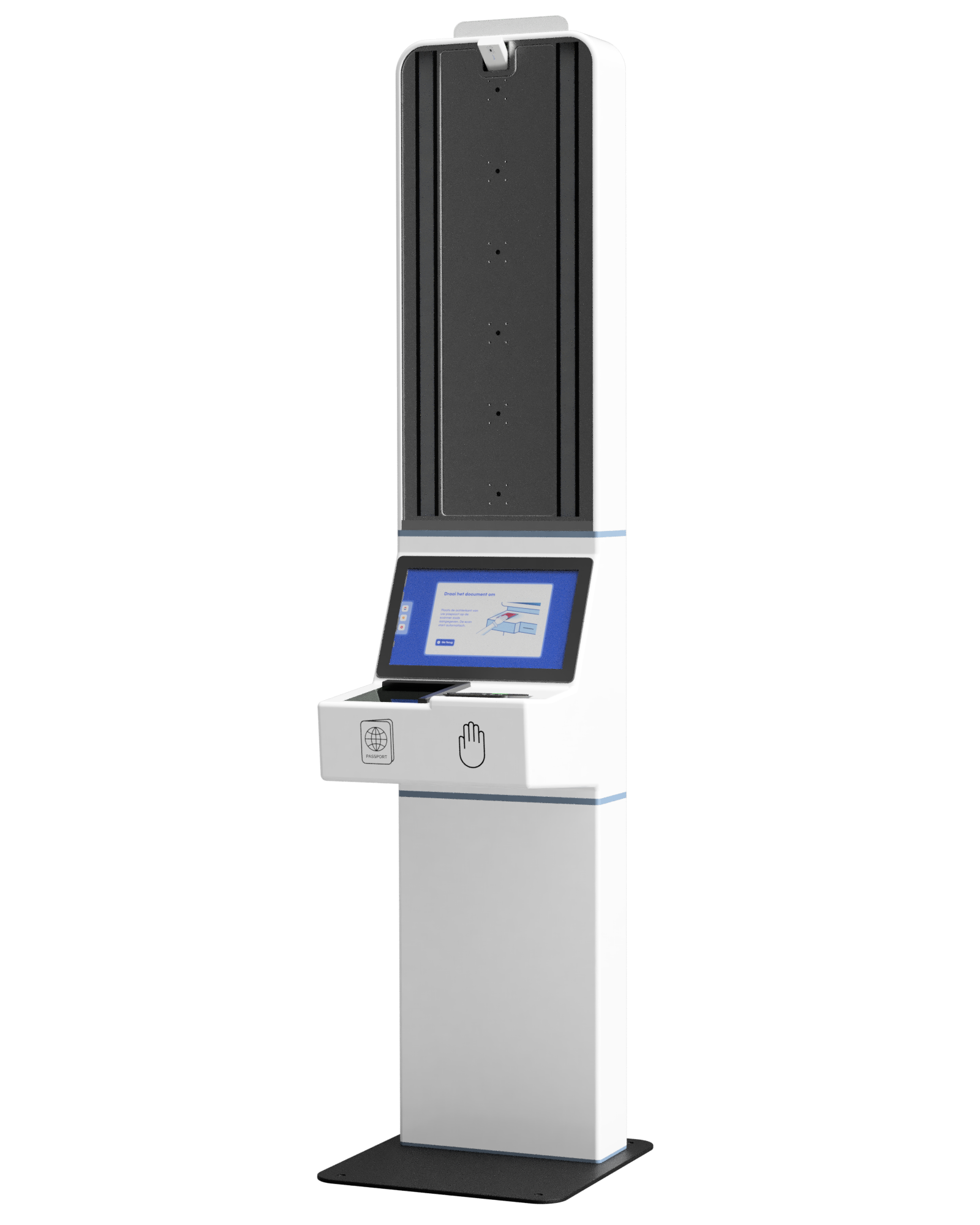
ID Kiosk

For ID verification without staff intervention: complete self-service.

ID Kiosk

No queues, higher reliability with ID Kiosk

ID Kiosk handles identity verification completely automatically. Users complete the entire ID verification process in a few simple steps, with their ID card, passport, or driver's license checked in seconds. Fast, secure, and fully compliant.
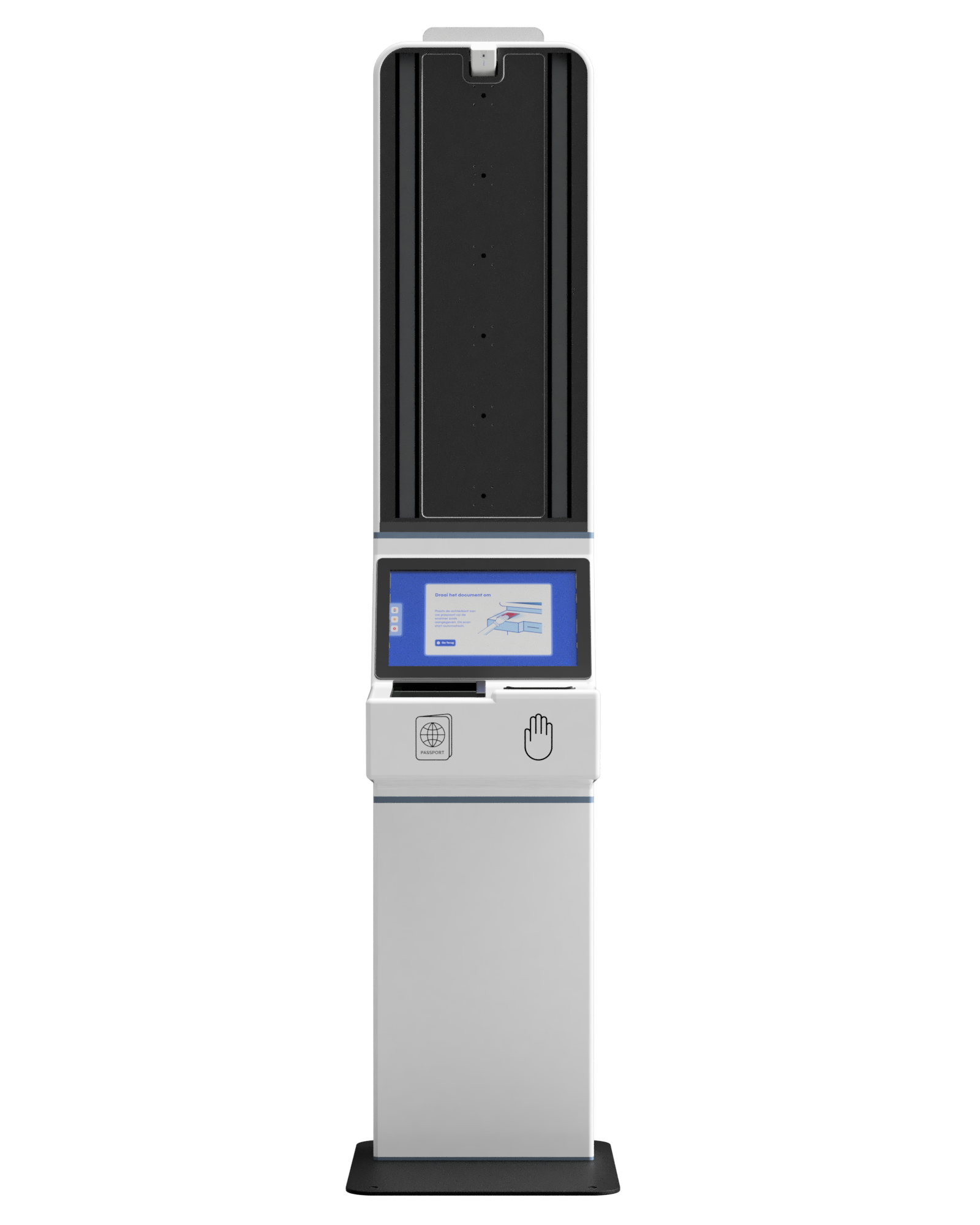
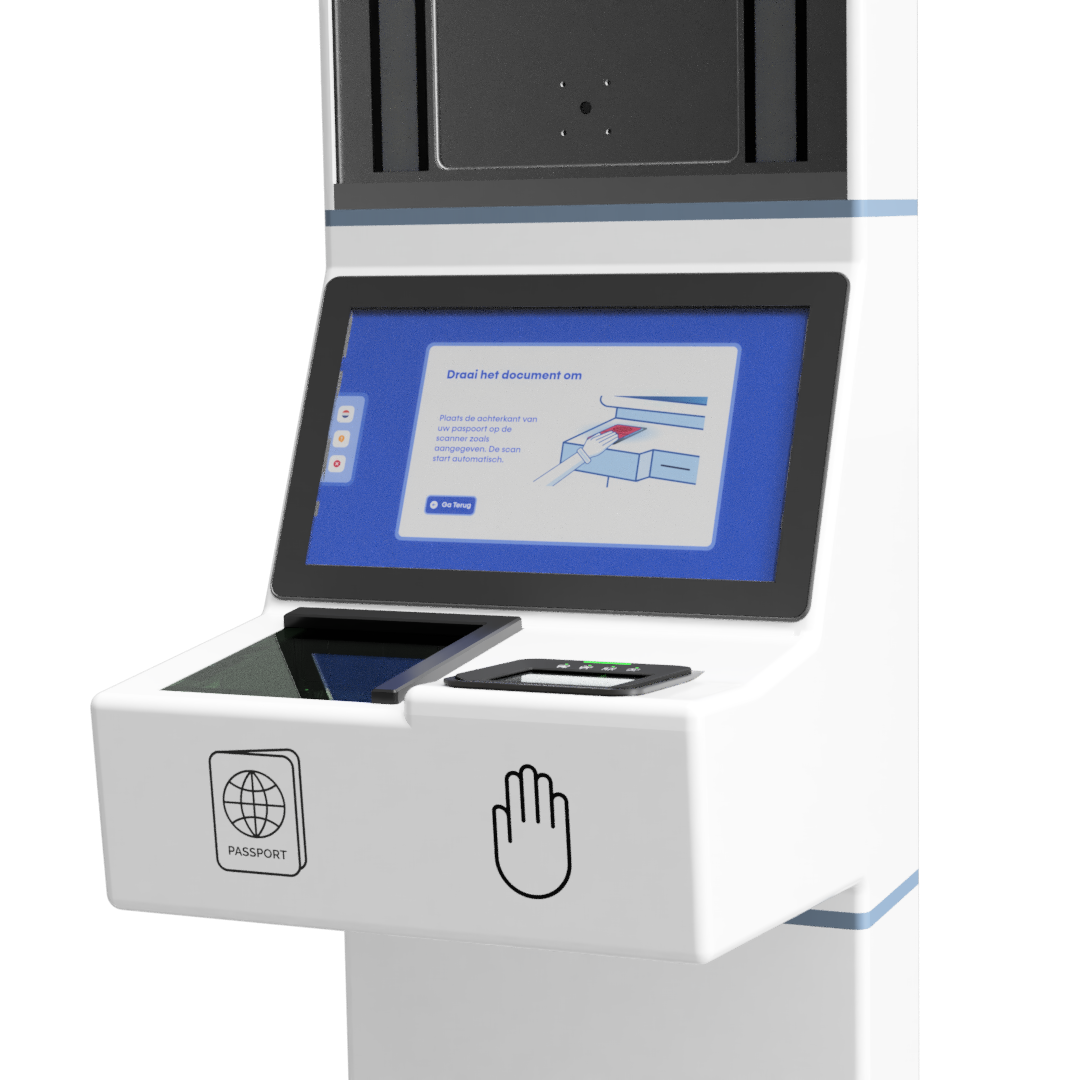
Discover the possibilities of
ID Kiosk

Efficiency first with full self-service

Fast and seamless, with no queues or manual checks.

Print access passes and forms instantly

Immediate next steps. Automatically print badges or access passes.

Integrate into your current processes and systems

Connectable with, for example, HR, access management, and IAM systems.

No queues, higher reliability with ID Kiosk

From scan to integration

  • Simple and user-friendly interface
    Fast and accurate scanning of passports, ID cards, and driver's licenses by the user.
  • Improved data quality
    Prevents typos and inconsistencies through automatic data extraction.
  • Automate processes and integrate with existing workflows
    Easily connect to HR platforms, access management, and IAM systems.
  • Extracting color passport photos  
    Photos are immediately available for digital files or access badges, for example.
  • Robust and scalable
    Built on the latest technology for maximum stability and scalability
  • Reliable & tested
    Extensively penetration-tested to ensure security and reliability.

5 steps to successful ID verification

  • 1. Scanning the document
    The user places their passport, ID card, or driver's license into the kiosk. The system automatically reads the visible data, such as name, date of birth, and document number, without manual entry.
  • 2. Checking security features
    The ID Kiosk checks the document for all built-in security features. This includes the MRZ, holograms, watermarks, and the NFC chip (for e-passports and ID cards).  
  • 3. Data validation  
    The extracted data can be compared against official data sources. This allows you to combine document verification with reliable registration and data enrichment.
  • 4. Biometric verification (optional)
    For added security, the ID Kiosk can utilize biometrics. The kiosk compares the passport photo from the document with a live facial scan of the user. This ensures that the person at the kiosk is the same as the document holder.
  • 5. Results & next steps
    The result appears within seconds: valid or invalid. Upon successful verification, the ID Kiosk can immediately trigger follow-up actions, such as opening an access gate, printing a badge, or forwarding information to integrated systems like HR and access management software.

Trusted by market leaders across a wide range of industries

Schedule an appointment with David
Sales contact