
ID Scan

Fast and reliable ID verification at your front desk or reception. Secure and fully compliant.

ID Scan

Secure and reliable ID verification at your front desk or reception

Collect, check, and verify individuals instantly using a scanner connected to your laptop or desktop, fully compliant with GDPR and relevant laws and regulations. No more manual checks.

Choose ID Scan for an ID verification solution that brings speed, reliability, and convenience to your workplace. With ID Scan, you can check identity documents instantly via a scanner connected to a desktop or laptop. Perfect for front desks, receptions, and logistics checkpoints. Plus, it integrates easily into your existing processes and systems.
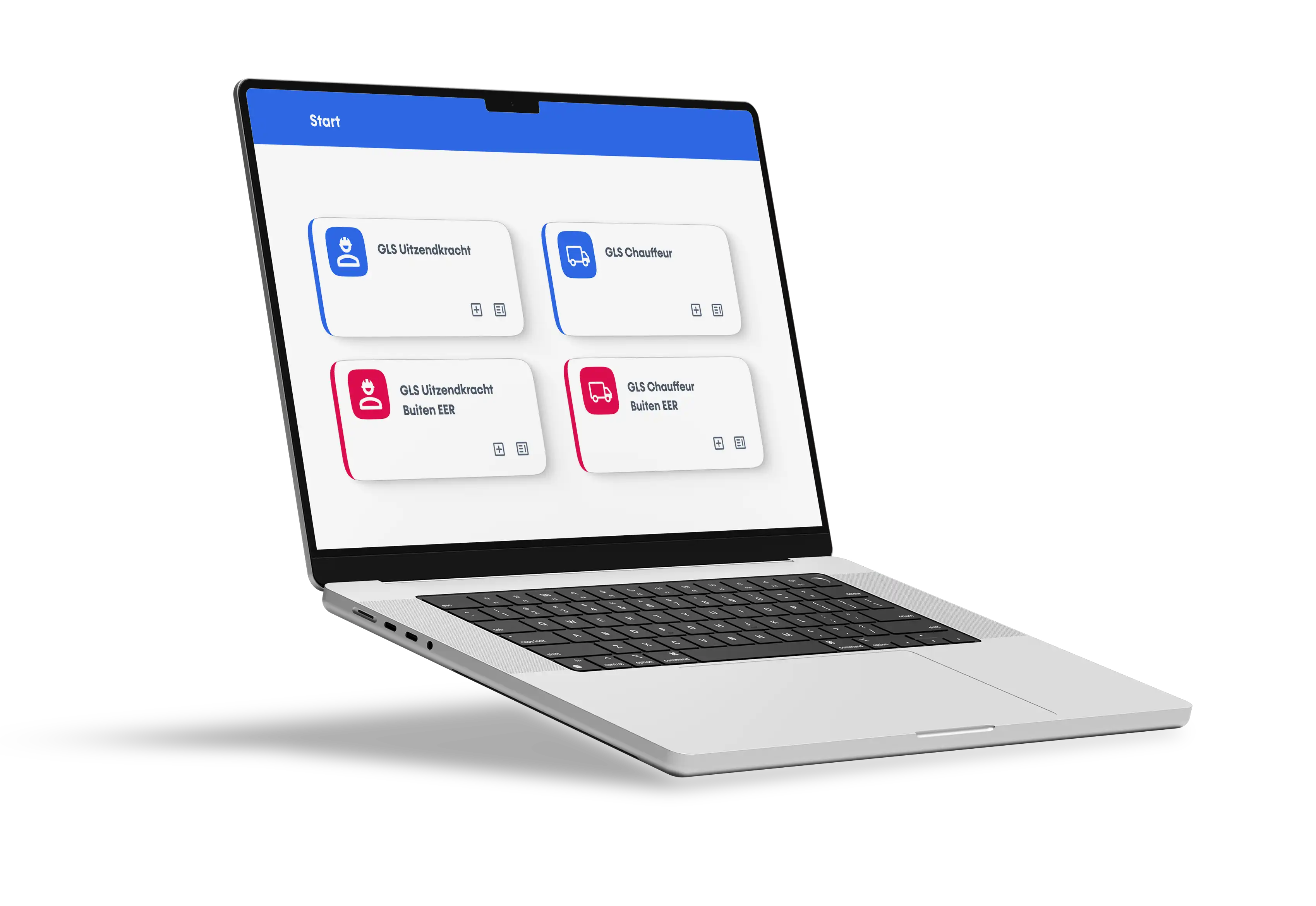
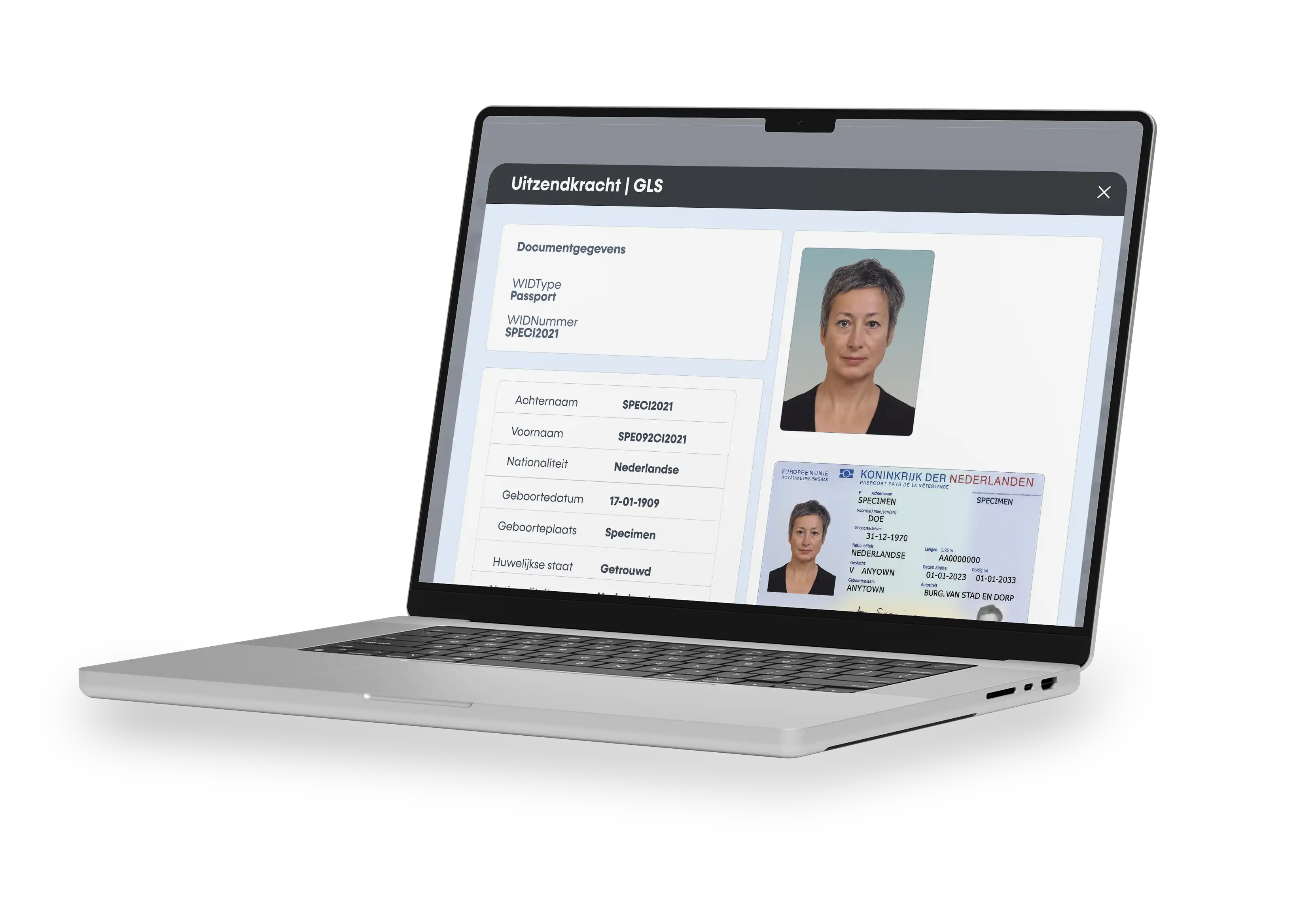
Discover the possibilities of
ID Scan

ID verification within 3 seconds

Reduce manual entry. Verify all necessary data quickly and reliably.

Print access passes and forms directly

Verify identities and print passes, badges, or forms instantly from a single system.

Automatic registration, error-free

Includes extracting the color passport photo from the document. For example, for use in your HRM system.

Secure and reliable ID verification at your front desk or reception

Reliable ID verification for front desks and receptions

  • Available on laptop and desktop
    Easily check identity documents with a scanner connected to a computer.
  • Improved data quality
    Prevents typos and inconsistencies through automatic data extraction.
  • Color passport photo extraction  
    Photos are immediately available for purposes such as digital files or access badges.
  • Robust and scalable
    Built on the latest technology for maximum stability and scalability.
  • Reliable & tested
    Extensively penetration tested to ensure security and reliability.

How ID Scan works in 4 steps

  • 1. Scanning the document
    Your ID card, driver's license, or passport is captured using a scanner connected to your computer. The software automatically reads the visible data, such as name, date of birth, and document number.
  • 2. Verification of security features
    The scan checks the document's built-in security features, such as the MRZ (the strip of numbers and letters at the bottom of passports and IDs), holograms, and watermarks that appear under specific lighting. It also compares the font and layout against official standards.
  • 3. Comparison with data sources
    The document number and the NFC chip (in e-passports and new ID cards) can be checked against official databases. This verifies whether a document is valid or, for example, registered as stolen.
  • 4. Result
    The ID scan then indicates on the computer whether the document is genuine, invalid, or questionable.

Trusted by market leaders across a wide range of industries

Schedule an appointment with David
Sales contact